# Action
An action is named C# business logic that Workflow Engine executes from an [activity](https://docs.workflowengine.io/get-started/concepts/activity/) implementation while
it runs a [process instance](https://docs.workflowengine.io/get-started/concepts/process-instance/). Actions connect a [scheme](https://docs.workflowengine.io/get-started/concepts/scheme/) to
application behavior such as sending emails, updating database records, or calling external services. Workflow Engine uses the `NameRef`
value from an action reference to find an action with the same name in an action provider or
among Code Actions.
## How actions are defined in the scheme
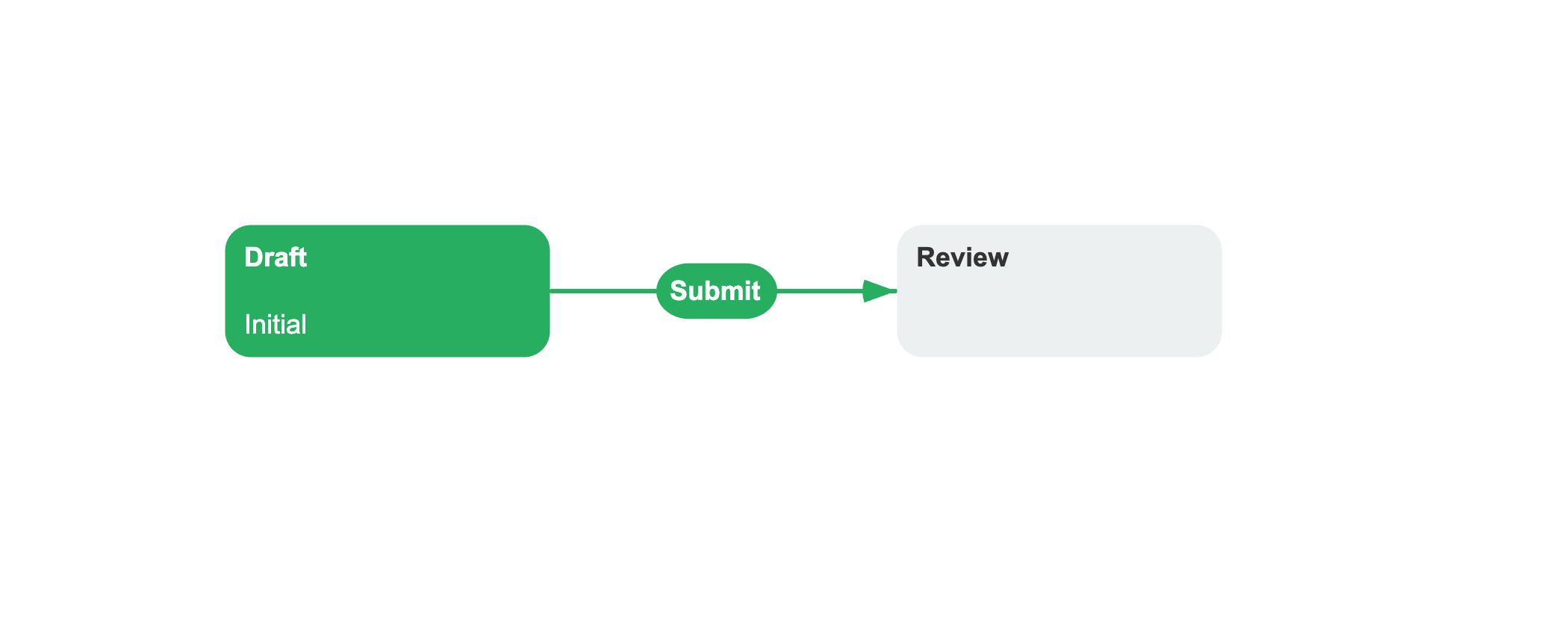
Actions are referenced by name in the scheme XML. The `Implementation` section on an activity lists the actions that Workflow Engine
executes during normal activity execution.
```xml filename="DocumentApproval.xml" {11-13}
```
Each `ActionRef` identifies an action by `NameRef`. Workflow Engine executes the references by ascending `Order` when it runs the activity's
normal `Implementation`.
Actions can carry a parameter, configured as a child element of the action reference. The value is a string and often contains JSON for
structured data. Use this to pass data to the action method without writing separate action implementations:
```xml
reviewers@example.com
```
## How an action works
You can implement an action provider and register it with Workflow Engine at startup. The provider implements `IWorkflowActionProvider`; its
execution methods receive the action name, the current process instance, the runtime, and an optional string parameter from the scheme.
```csharp filename="EmailActionProvider.cs"
using OptimaJet.Workflow.Core.Model;
using OptimaJet.Workflow.Core.Runtime;
public interface IEmailService
{
Task SendAsync(string to, string body, CancellationToken token);
}
public class EmailActionProvider : IWorkflowActionProvider
{
private readonly IEmailService _email;
public EmailActionProvider(IEmailService email)
{
_email = email;
}
public async Task ExecuteActionAsync(
string name,
ProcessInstance process,
WorkflowRuntime runtime,
string parameter,
CancellationToken token)
{
if (name == "NotifyReviewers")
{
var reviewers = process.GetParameter("ReviewerEmails");
await _email.SendAsync(reviewers, "Review required", token);
}
if (name == "SendEmail")
{
await _email.SendAsync(parameter, "Action required", token);
}
}
public void ExecuteAction(
string name,
ProcessInstance process,
WorkflowRuntime runtime,
string parameter) { }
public Task ExecuteConditionAsync(
string name, ProcessInstance process,
WorkflowRuntime runtime, string parameter,
CancellationToken token) => Task.FromResult(false);
public bool ExecuteCondition(
string name, ProcessInstance process,
WorkflowRuntime runtime, string parameter) => false;
public bool IsActionAsync(string name, string schemeCode) => true;
public bool IsConditionAsync(string name, string schemeCode) => false;
public List GetActions(string schemeCode, NamesSearchType searchType) =>
["NotifyReviewers", "SendEmail"];
public List GetConditions(string schemeCode, NamesSearchType searchType) =>
new();
}
```
`GetActions` returns the names supplied by the provider. For a matching name, `IsActionAsync` tells Workflow Engine whether to call
`ExecuteAction` or `ExecuteActionAsync`. The same interface also contains `GetConditions`, `IsConditionAsync`, `ExecuteCondition`, and
`ExecuteConditionAsync` because an action provider can supply [conditions](https://docs.workflowengine.io/get-started/concepts/condition/) as well.
Register the provider when configuring Workflow Engine:
```csharp
runtime.WithActionProvider(new EmailActionProvider(emailService));
```
Without a scheme list, the provider is available to every scheme managed by the runtime. You can also call `WithActionProvider` more than
once and pass a list of scheme codes to scope a provider.
See Call Custom Assembly Code from Actions for a full provider setup.
## When an action runs
Normal actions belong to an activity, not to a transition. When a [transition](https://docs.workflowengine.io/get-started/concepts/transition/) passes its conditions,
Workflow Engine selects the target activity and executes the actions in that activity's `Implementation`. The initial activity's
implementation can also run when a new process starts, without an incoming transition.
An activity can separately define `PreExecutionImplementation`. During pre-execution simulation, Workflow
Engine executes that list instead of the normal `Implementation`. Both lists contain ordered action references, and neither makes an action
free of external side effects.
## Code Actions as a scheme-specific alternative
In addition to implementing an action provider, you can define C# actions directly in the scheme's `CodeActions` section. A local Code
Action belongs to that scheme and can be referenced by name from an activity implementation.
Code Action and expression compilation are enabled by default. Disable both when the application must not execute scheme-defined C# code:
```csharp
runtime.DisableCodeActions();
```
Call `EnableCodeActions()` to enable both compilers again.
Workflow Engine compiles Code Actions at runtime. Register an application assembly only when a Code Action needs types from that assembly;
the framework-agnostic setup guide shows that configuration. Code Actions run with access
to the host process, so only trusted users should be able to edit them.
Marking a Code Action as global stores it in Workflow Engine global parameters instead of one scheme and makes it available across schemes.
### Search priority for actions
The runtime can resolve an action name from a local Code Action, a global Code Action, or a registered provider. The default
`LocalGlobalProvider` order checks those sources in that sequence. `SetExecutionSearchOrder` can select any of the six orders defined by
`ExecutionSearchOrder` when duplicate names require a different priority.
## See also
- [Transition](https://docs.workflowengine.io/get-started/concepts/transition/): Transitions select target activities whose implementations contain actions.
- [Parameter](https://docs.workflowengine.io/get-started/concepts/parameter/): Parameters carry process data that actions can read and update.
- Call Custom Assembly Code: Implement and register an action provider for application code.
- Configure WorkflowRuntime: Configure providers, Code Actions, and application assemblies on WorkflowRuntime.
## Frequently asked questions
**What is an action in Workflow Engine?**
An action is named C# business logic referenced from an activity implementation. Workflow Engine resolves the name to a provider action or
Code Action and executes it when it runs that activity.
**How do I register an action provider with Workflow Engine?**
Implement the `IWorkflowActionProvider` interface and register an instance via `runtime.WithActionProvider(provider)` in the builder chain
at startup. Route by action name inside the implementation.
**Can I have multiple action providers for different schemes?**
Yes. Call `runtime.WithActionProvider(provider, [schemeCode1, schemeCode2])` to register a provider for specific schemes. A provider
registered without a scheme list is considered for every scheme.
**How does the runtime choose which action to use when the same name exists in multiple places?**
The runtime searches local Code Actions, global Code Actions, and the registered provider in `LocalGlobalProvider` order by default. Use
`runtime.SetExecutionSearchOrder()` to select a different order.